Video calls
Can a task-force of four build a Video call app? What if it's March 2020 and everyone is suddenly in need of team video calls? Join me for recalling these times and see the results for yourself.
Context
We had a huge task in front of us – our users needed Video Call feature seamlessly integrated with Teamwork chat for teams. We found ourselves in the reddest of the oceans: existing competitors are many and such giants of video conferencing as Zoom, Google Meet and Whereby are among them. The entire complexity of video conferencing laid in front of us, it was exciting and overwhelming.
And then it was March or The March. The world pandemic hit us in the middle of the process and suddenly all of our users, not just all-remote companies, needed to meet online. In the meantime Google Meet has made it's service free for all business GSuite users, competition got tougher. We needed to navigate between our capacity and growing expectations.
Trigger
It's a common knowledge that almost every chat application has video call functionality. For years we have been investing in other areas like user permissions and integrations with our main product - Teamwork Projects. However, around a year prior to the start of the project we started to receive significantly more feature requests about video calls.
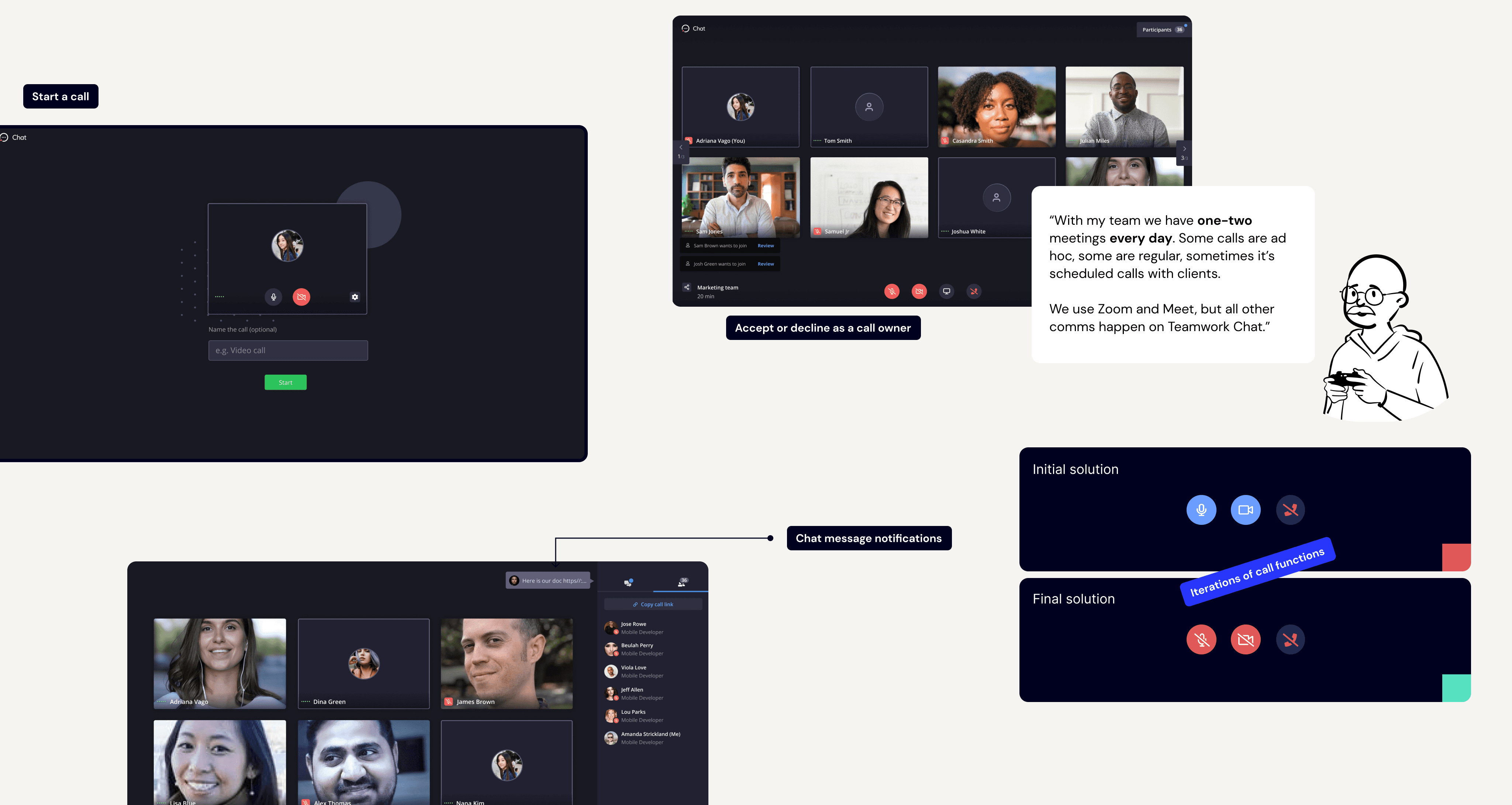
While it only takes 2 extra clicks to create a meeting in one of competitor apps and share the link in Chat we kept on getting feedback on how it negatively impacts day to day communications in various teams.
At first my role was product research to define MVP and minimum requirements in a close collaboration with our engineers. We worked on competitor benchmarking research, organized team brainstorming sessions and conducted user surveys.
It was a new domain for all team members and a lot of technical and UX research was done in the beginning. Opportunity costs of building such a feature were also extremely high so we had to plan and validate our ideas very carefully.
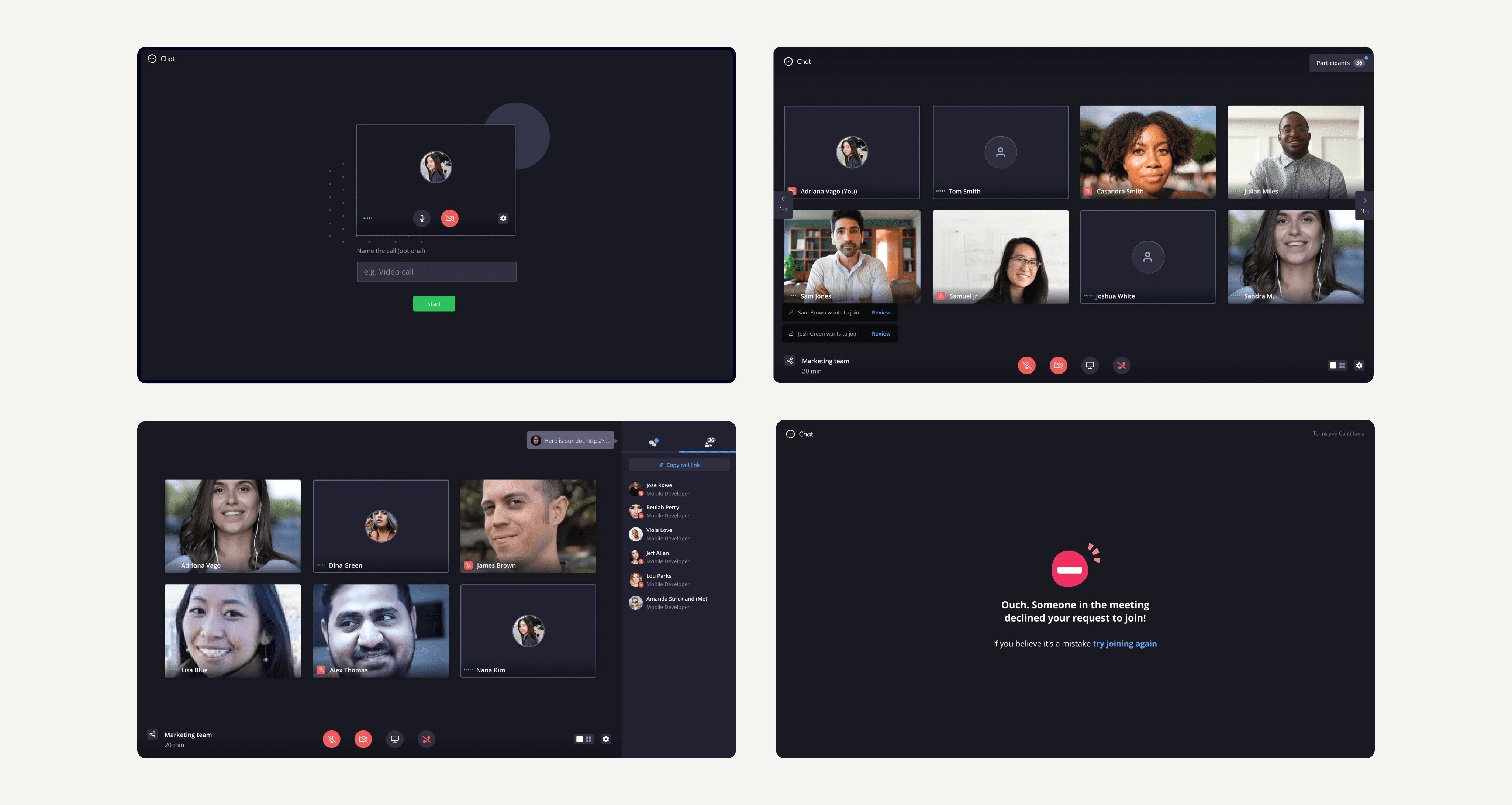
Check this video to see how the first iteration of calls turned out.
Fig. Our users used third party apps to communicate

Solution
Ideation and refinement
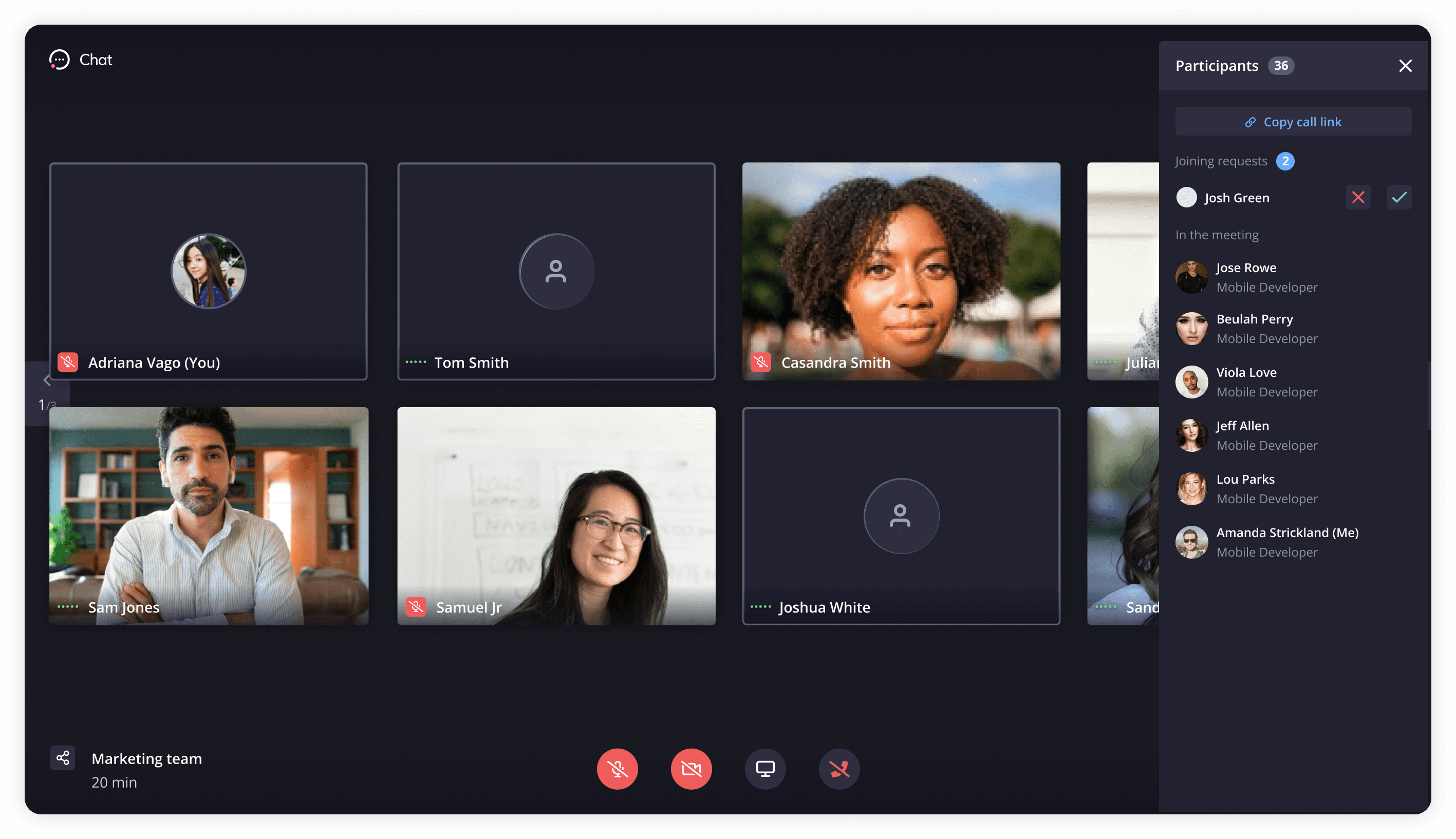
In a constant dialog with the team I prototyped several options for IA and UI of new video call feature. One of the challenges was layout and grouping of related elements, such as video controls, view controls, settings and participant videos. To do that we did card sorting kinds of experiments. When in doubt we picked option that worked for our testers. Dev work began.
Validation via Beta Program
We launched a 2 months Beta User Program to validate design solutions and performance. I was responsible for defining its goals, specs and selecting user segment. We actively and passively sought for feedback. From reaching out to people directly asking for feedback and usability testing to feedback form that was available in the end of every call.
Beta Program results
We iterated on design following feedback. We have listened, iterated and improved. The learning didn't stop with general release, we kept on monitoring data and usage of the feature and listen to both groups: these who loved and these who didn't.
Outcomes
After several months in Beta Video calls became a paid add-on on Teamwork Chat. I left Teamwork in 2021 and unfortunately wasn't able to follow up with Video calls developments but it does remain a part of the offering.
Sign up to Teamwork Chat to try Video Calls.
Fig. Video call app at Teamwork.com